The short version
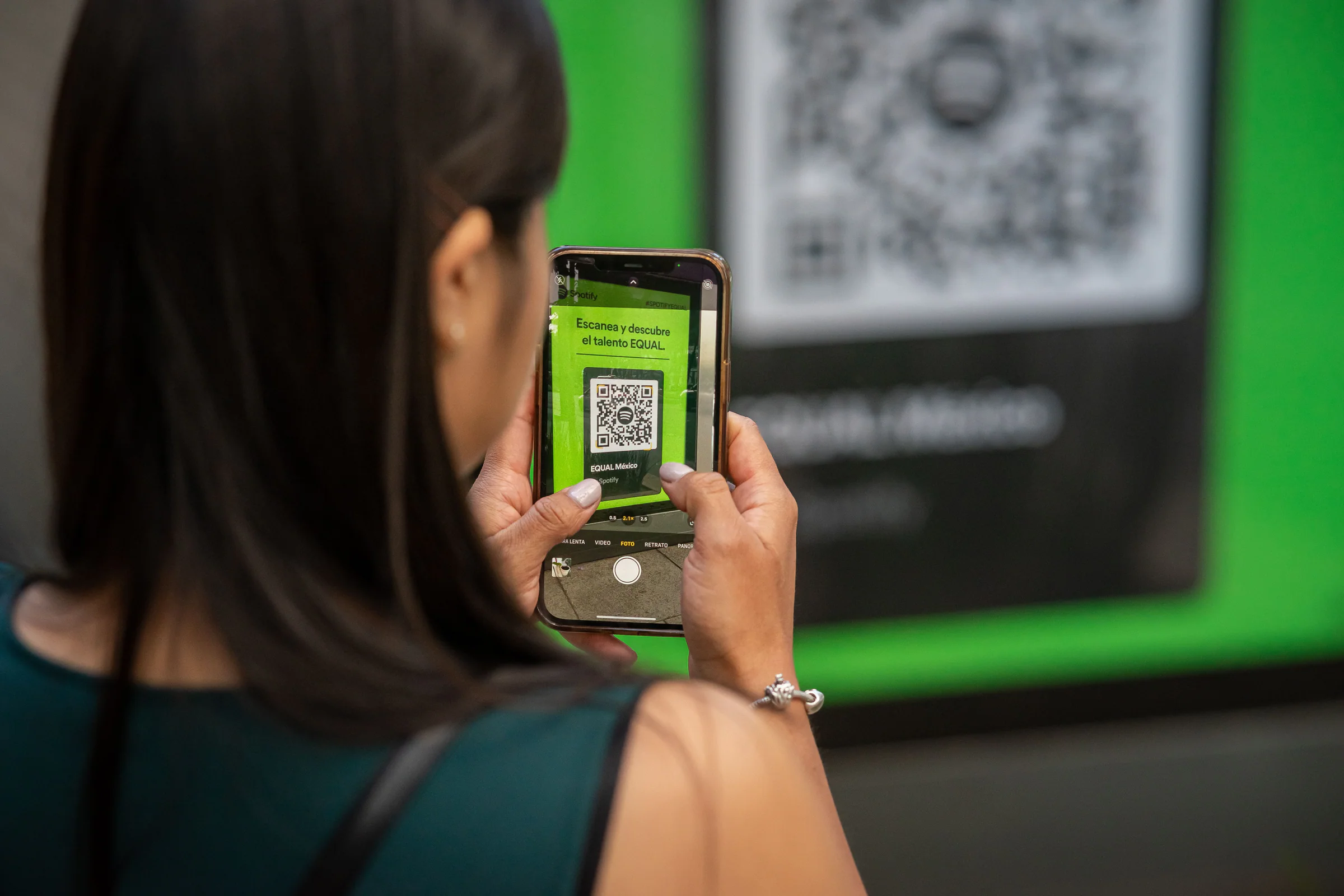
A SafeKin tag is a QR sticker, badge or card that belongs to you. It is linked to your account and to the family members you choose. When a stranger scans it with an ordinary phone camera, a simple web page opens. No app, no sign-up for them.
From that page they can alert your family, call a family contact's real number, or send a note. Both sides can see the number on the call and the text. A private line, where neither number is shown, is coming soon.
What happens after a scan
Every scan moves through the same few steps, in the same order, every time.
- ScannedThe person picks a reason: accident, wrong parking, found a child, found a pet, or found something you lost.
- AlertingYour family contacts get an alert on WhatsApp and SMS, with the reason and anything the scanner chose to share.
- RingingOn an emergency, your contacts are called and texted together, at the same time. The person who scans dials a real number from their phone.
- ConnectedWhen someone answers, the two sides talk.
- DeliveredIf nobody picks up, the alert and any photo or location stay waiting in your account.
It is not an emergency service
This matters more than anything else on this page. SafeKin helps a stranger reach your family. It does not send an ambulance, the police or the fire brigade, and nobody at SafeKin is watching scans in real time.
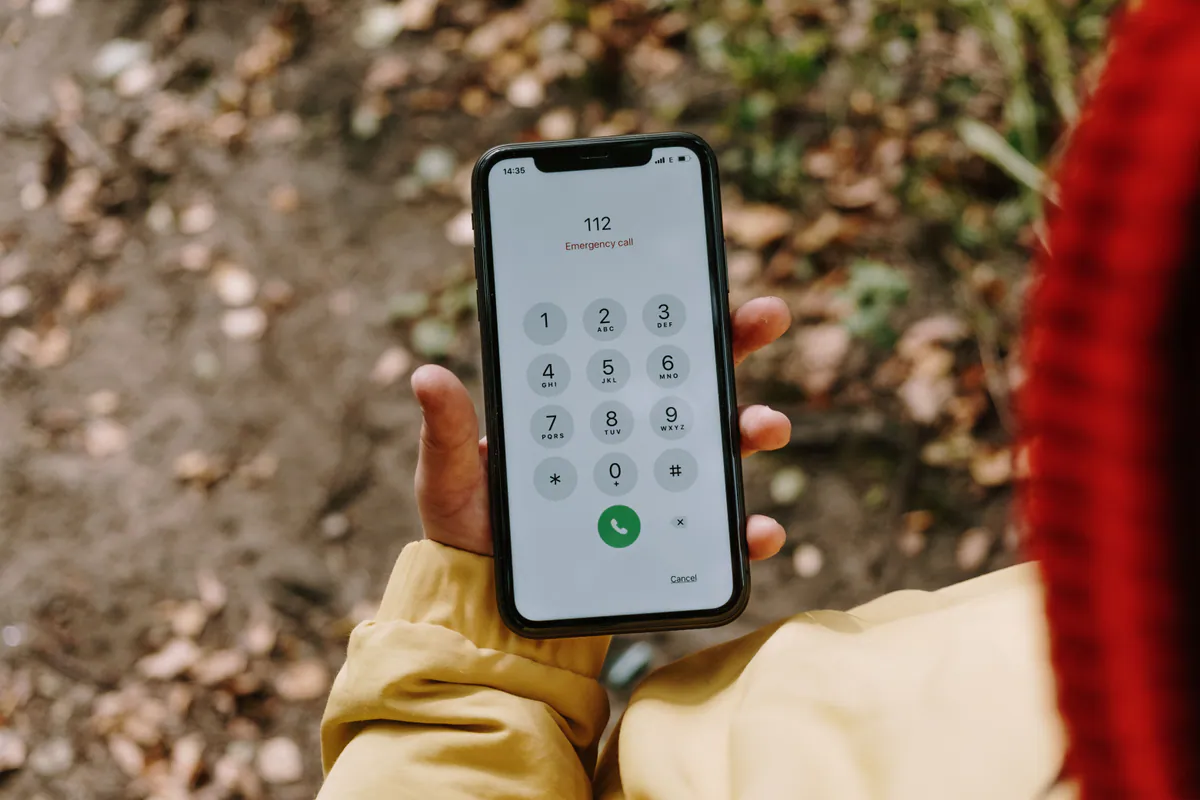
In an emergency, always call 112. The scan page says this too, at the top, before any other option.
It only works if someone scans it
A QR tag is passive. It cannot detect a crash, a fall or a lost child on its own. It works when a person nearby notices the tag and decides to help. That is why we put the words "Scan in emergency" in large type, and why placement matters: the rear windscreen, the helmet back, a child's school bag strap.
It also depends on mobile networks and messaging services. If your family's phones are switched off or out of coverage, the alert will wait until they are back.
Web first, the app comes later
Today everything runs on the web: the scan page, your account, your family list. That is deliberate. It means anyone can help, and nobody has to install anything.
Some features need a phone app to work properly, and we are building one. These are coming with the SafeKin app, not available today:
- Route sharing and live trip tracking
- Over-speed and rash-driving alerts
- Crash detection
- Phone anti-theft
- Background location
- SOS from a hardware button
How we handle pranks and misuse
A tag in public will sometimes be scanned for fun. Scans are rate-limited, repeated scans from the same device are slowed down, and you can set do-not-disturb hours or block a caller from your account. Misusing scans to harass someone breaks our terms and leads to a block.
Your number is not printed on the tag. It is visible on the call and the text. The worst a prankster can do is send an alert you can ignore, or call the number the scan shows.
What we keep, and for how long
Photos and exact locations from scans are deleted after 90 days. We don't sell data. The full detail is in our privacy policy.